
.html.htm.xhtml
HTML file: what it is and how to open it
An HTML file is a web page saved as text: the words, links and layout instructions that a browser turns into a page. Drop one here to read it with its scripts and internet requests switched off.
Drop your HTML file here
Opens on this device. Nothing is uploaded. Any other file works too.
What is an HTML file?
HTML (HyperText Markup Language) is the language every web page is written in. Tim Berners-Lee created it at CERN, where it was in use from 1990, and the first formal standard, HTML 2.0, followed in 1995. Today the WHATWG, founded by browser makers, maintains it as a living standard, and since 2019 the W3C points to that same text.
You meet .html files outside the browser when someone saves a page, a program exports a report or a statement, or an email arrives with a page attached. The file is plain text, so any text editor shows the markup and any browser shows the page.
Two facts explain most problems. A page usually keeps its pictures, styles and scripts in separate files or online, so an .html file on its own can look bare. And a browser runs the scripts inside it: attackers send HTML attachments that draw a fake sign-in box and pass whatever you type to them.
What is inside
An HTML file is text made of elements marked with tags, such as <p> for a paragraph or <a> for a link. A doctype line comes first, then a head with the title, the text encoding and links to style sheets and scripts, then a body with everything you see. Pictures are usually separate files; an <img> tag names where to fetch each one.
Browsers are forgiving: the standard defines how to repair missing or misplaced tags, so a messy page still displays. The standard requires UTF-8 text, declared in the first 1024 bytes with <meta charset="utf-8">; when a page leaves it out, the browser guesses and accents can turn into symbols. XHTML (.xhtml) is the stricter XML form of the same language, where a single error stops the page.
<!DOCTYPE html>modern HTML<html lang="en"><head>about the page, not shown <meta charset="utf-8">the text encoding <title>Order 4471</title>the tab title <link rel="stylesheet" href="shop.css">layout, in another file <script src="app.js"></script>a program the browser runs</head><body>what you see <h1>Thank you for your order</h1> <img src="logo.png" alt="Shop logo">a picture, in another file <a href="https://example.com/help">Help</a>a link</body></html>How to open an HTML file
Windows
- Microsoft EdgeBuilt in. Double-click the file, or press Ctrl+O in Edge. Ctrl+U shows the markup. Edge runs the page’s scripts, so open only files you trust.
- NotepadBuilt in. Right-click the file and choose Open with, Notepad to read or edit the markup.
- Universal File Opener for WindowsOursA reading view of the text, links, tables and the pictures in its folder. Scripts and forms are ignored, nothing loads from the internet, and Source shows the markup.
Mac
- SafariBuilt in. Double-click the file to open the page, scripts included.
- TextEditBuilt in, but shows the page as formatted text. To see the markup, select Display HTML files as HTML code in TextEdit, Settings, Open and Save.
iPhone and iPad
- FilesBuilt in. Tap the file for a Quick Look preview.
Android
- Universal File OpenerOursReads saved pages offline with scripts and internet requests blocked. Search, change the text size, listen with read aloud or print a PDF copy.
In a browser
- Universal File OpenerOursDrop the file on this page to see it with scripts off and no internet requests, or switch to Source for the markup. Nothing is uploaded.
Won’t open?
The page shows text but no pictures or layout
Pictures and styles live in separate files, often a folder saved next to the page with a similar name, or online. Keep that folder beside the page, or ask for a PDF or a single-file .mht copy.
An email attachment asks you to sign in
Be suspicious. Attackers send HTML attachments that show a fake sign-in box and pass what you type to them. Do not enter a password; open it here or in our apps, where its scripts cannot run.
Accents show as é or other odd symbols
The page does not declare its encoding and the browser guessed wrong. In Firefox, choose View, Repair Text Encoding; on this page, pick another one from the Encoding menu. Authors should save as UTF-8 and declare it.
TextEdit shows formatted text instead of the code
Choose TextEdit, Settings, Open and Save, select Display HTML files as HTML code instead of formatted text, then open the file again.
Menus, buttons or charts do nothing
They need the page’s scripts, which safe viewers, ours included, do not run. If you trust where the file came from, open it in a browser; a page that loads its data from a website also needs a connection.
Convert an HTML file
- To PDFIn Chrome, press Ctrl+P (⌘+P on a Mac) and choose Save as PDF. In Safari on a Mac, choose File, Print, then PDF, Save as PDF. On Android, open it in our app, choose Print, then Save as PDF.
- To Word documentIn Word, choose File, Open and pick the .html file, then File, Save As, Word Document (.docx). Complex layouts can change.
HTML files in our apps
Our apps read saved HTML pages offline with scripts and internet requests blocked: on Android with search, text size, read aloud and Print to PDF, and on Windows as a reading view with the source one click away.


All Android tools and limits for HTML files
- Offline rendering with find-in-page, persistent text-size control, and scroll position resume.
- Scripts blocked, network loads blocked: pages render from their local bytes only.
- Print with the rendered layout preserved, and Android’s print dialog offers Save as PDF from there; save the extracted text; word count; read-aloud.
- Bookmarks and reading-position resume, like the app’s other document viewers.
Limits
- The rendered view is read-only. Network-dependent links are unavailable. Use View as text to read the markup or View as raw bytes to inspect the file.
- Pages that depend on JavaScript may be incomplete or lack interactive controls.
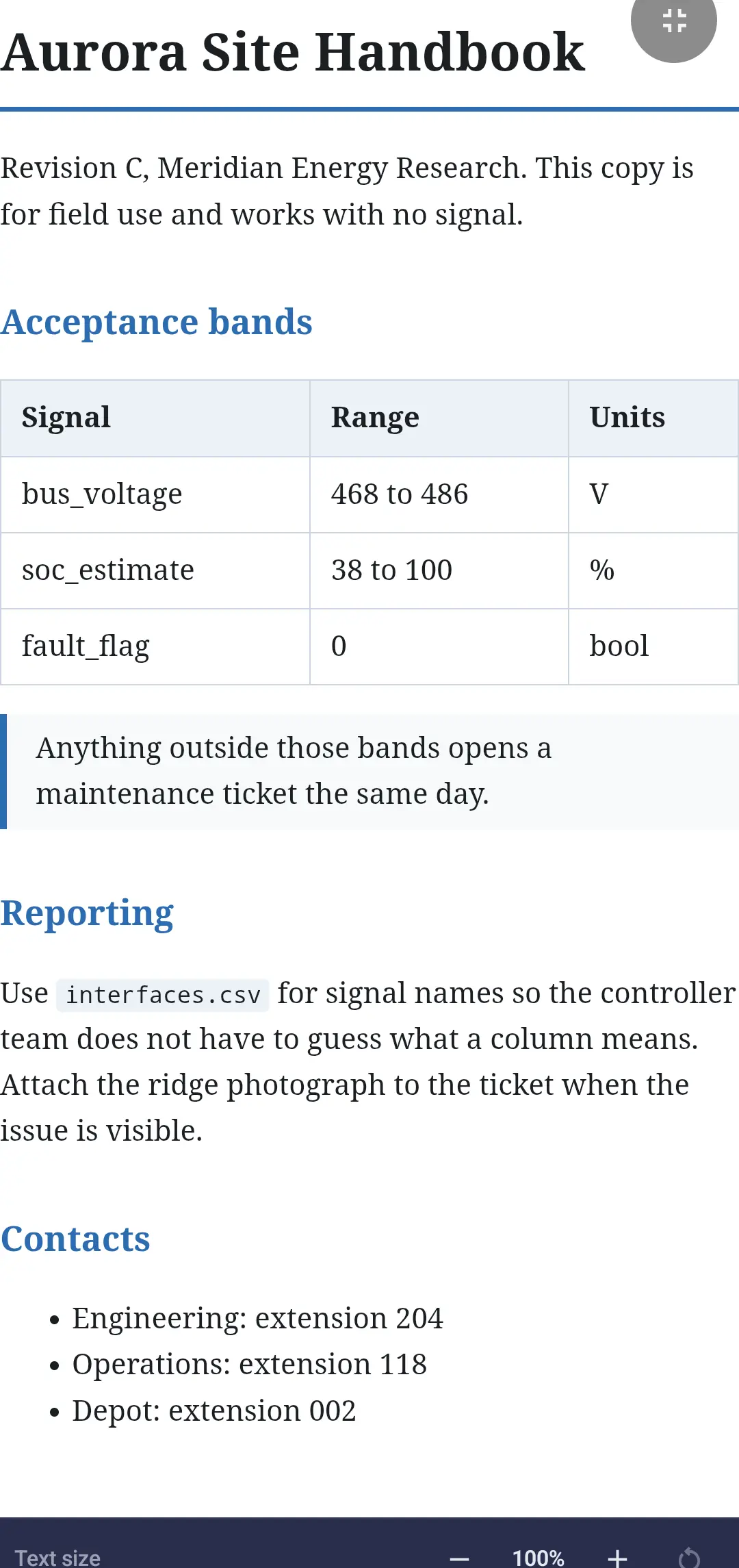
Walkthrough: Edit text, code and data on Android