
About the app
Universal File Opener opens 577 file types offline on Android and Windows, from one engine built by Krauq LLC. It edits Word, Excel, PowerPoint and PDF files, converts PDFs to Office formats, removes photo backgrounds, trims and joins video, and shows what a file hides before you share it. No ads, no analytics, no account. Reading is free; Pro saves advanced edits (pricing). The same engine opens files in the browser on this site and powers the UFO CLI for AI agents.
Android facts
- Current Android release: 4.2.1 (versionCode 89), on Google Play.
- System: Android 8.0 or later; phones, tablets and foldables.
- Formats: identifies 580 extensions in 108 families and opens 577; DMG, ORC and USDZ are identified only. No multi-volume archives or DRM-protected ebooks.
- Highlights: PDF to Word that keeps pictures and tables, video trimming with a filmstrip and frame preview, Outlook .msg emails with attachments, offline OCR, on-device background removal, and an inspector that lists what a file hides.
- Languages: English, Latin American Spanish, French, German, Hindi, Indonesian, Italian and Turkish, for both the interface and offline OCR.
- Pro: monthly, annual or lifetime, all with the same tools.
- Privacy: no INTERNET permission. Files, OCR and background removal are processed on the device.
Every Android permission, and how to check
Android 3.3.0 declares these permissions and no others:
There is no android.permission.INTERNET. The release build fails if INTERNET or ACCESS_NETWORK_STATE reaches the merged manifest, including from a library. Check an installed copy with aapt2 dump permissions base.apk, or see the Android privacy guide.
Windows facts
Windows 4.2.0 is available from Microsoft Store.
- System: Windows 10 version 1809 or later, x64; English interface.
- Privacy: no network connections of its own, no analytics, ads or account.
- Pro: a separate lifetime purchase in Microsoft Store. Android and Windows purchases do not transfer.
- Also: offline Windows OCR, native media playback and XLSX recalculation. See the Windows format reference.
Windows free tools and Pro
Reading and inspection are free. PDF forms, visual signatures, annotations, stamps, offline Windows OCR and searchable copies, certificate signing, every single-image edit and conversion including background removal, video trimming, joining and conversion to MP4, saving a frame, audio trimming, conversion and tags, archive creation and edits, full-screen presenting, and text, Markdown and code saves are also free. Windows codecs provide media playback. Folder browsing, previews, local content search and text comparison are included. Windows language packs determine OCR languages; digital-signature checks do not consult online revocation services.
A separate lifetime UFO Pro for Windows purchase covers supported Word saves, spreadsheet value, formula and structural edits, supported XLSX recalculation and basic chart data-range/type changes, presentation text, notes and slide-order edits, structural PDF tools and PDF to Word, Excel or PowerPoint, cutting a part out of a video, video compression, GIFs and audio extraction, batch jobs, and SQLite and font saves. Unsupported Office structures and functions retain their limits; ASF output is not included.
The UFO Pro for Windows introductory sales window ended at November 20, 2026 at 12:00 AM UTC. The regular United States price is US$39.99, paid once for a lifetime Windows Pro entitlement. A purchase made during the introductory sales window is a lifetime UFO Pro for Windows entitlement, not one year of access or a subscription. Microsoft Store shows the local price and tax.
Logos and screenshots
Free to use in coverage. Keep screenshots unedited and name the platform and version.
Android
Real captures of fictional files, 720 × 1556 WebP without the status bar.
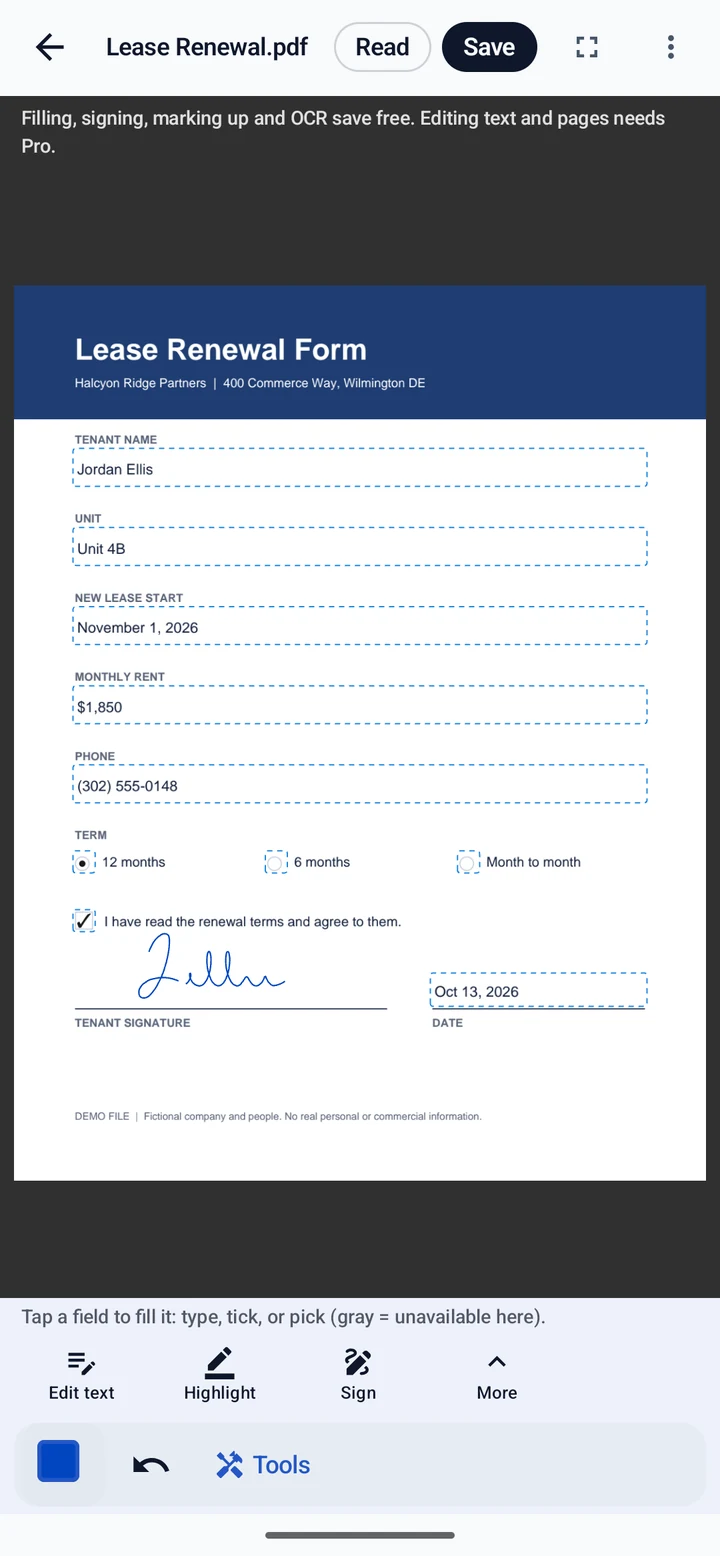 Fill and sign · 3.2.0 · WebP ↓
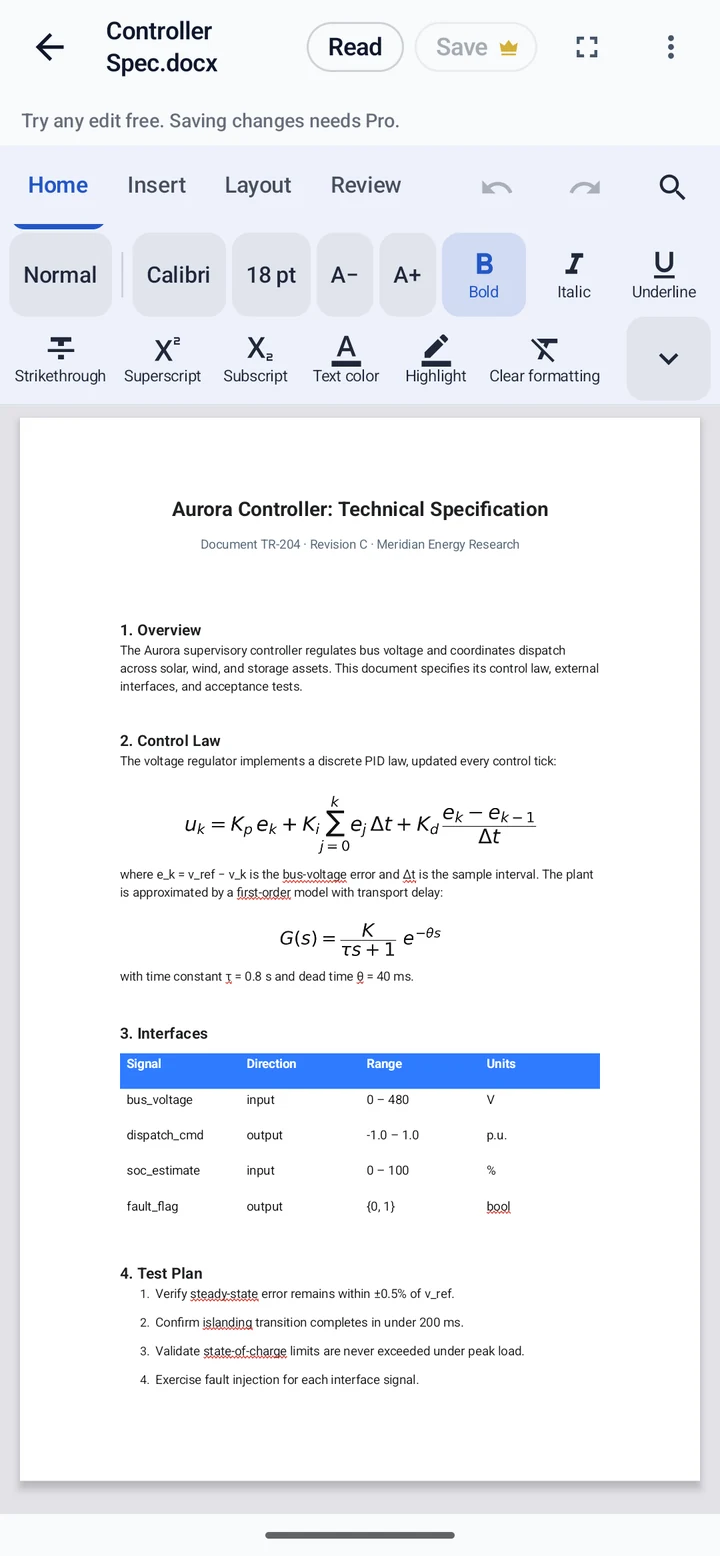 Word editor · 3.2.0 · WebP ↓
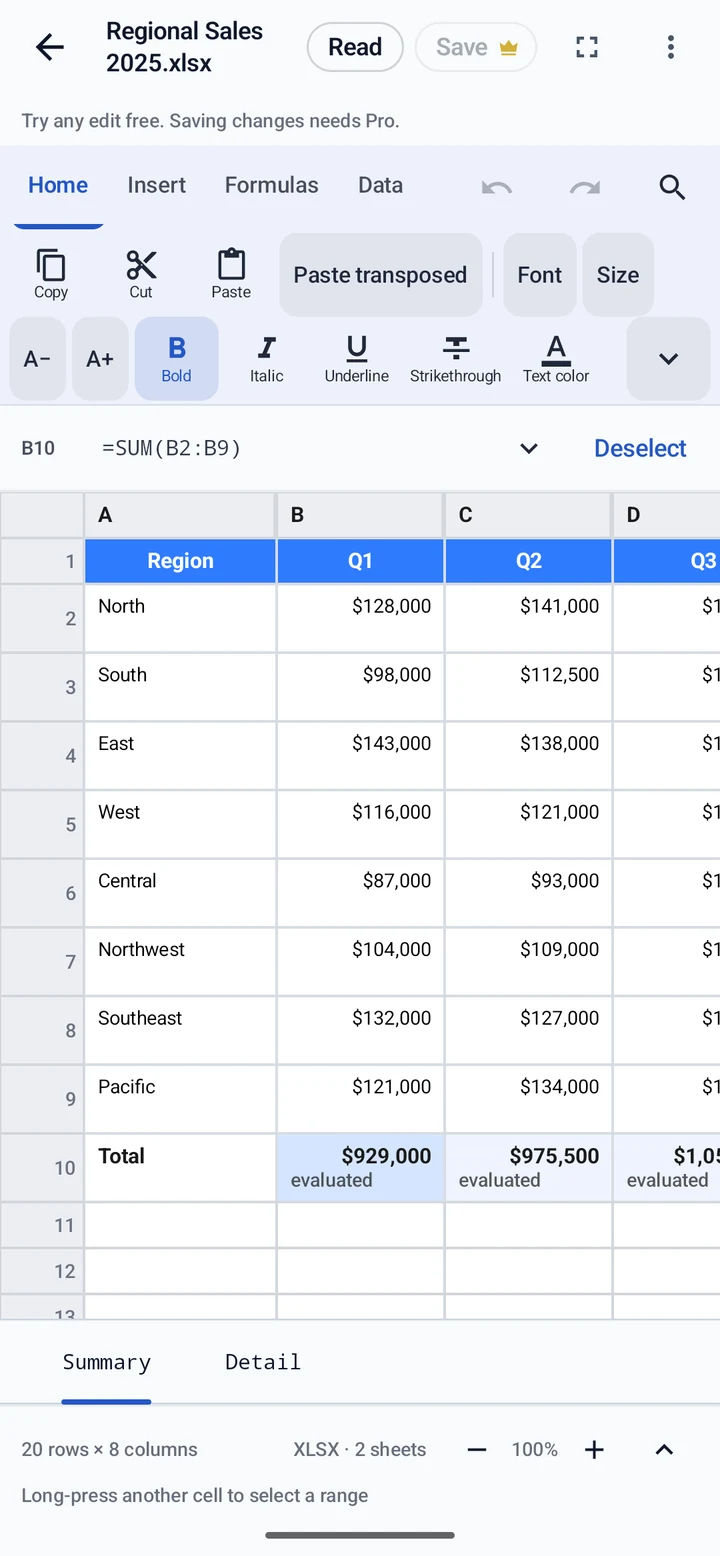 Excel editor · 3.2.0 · WebP ↓
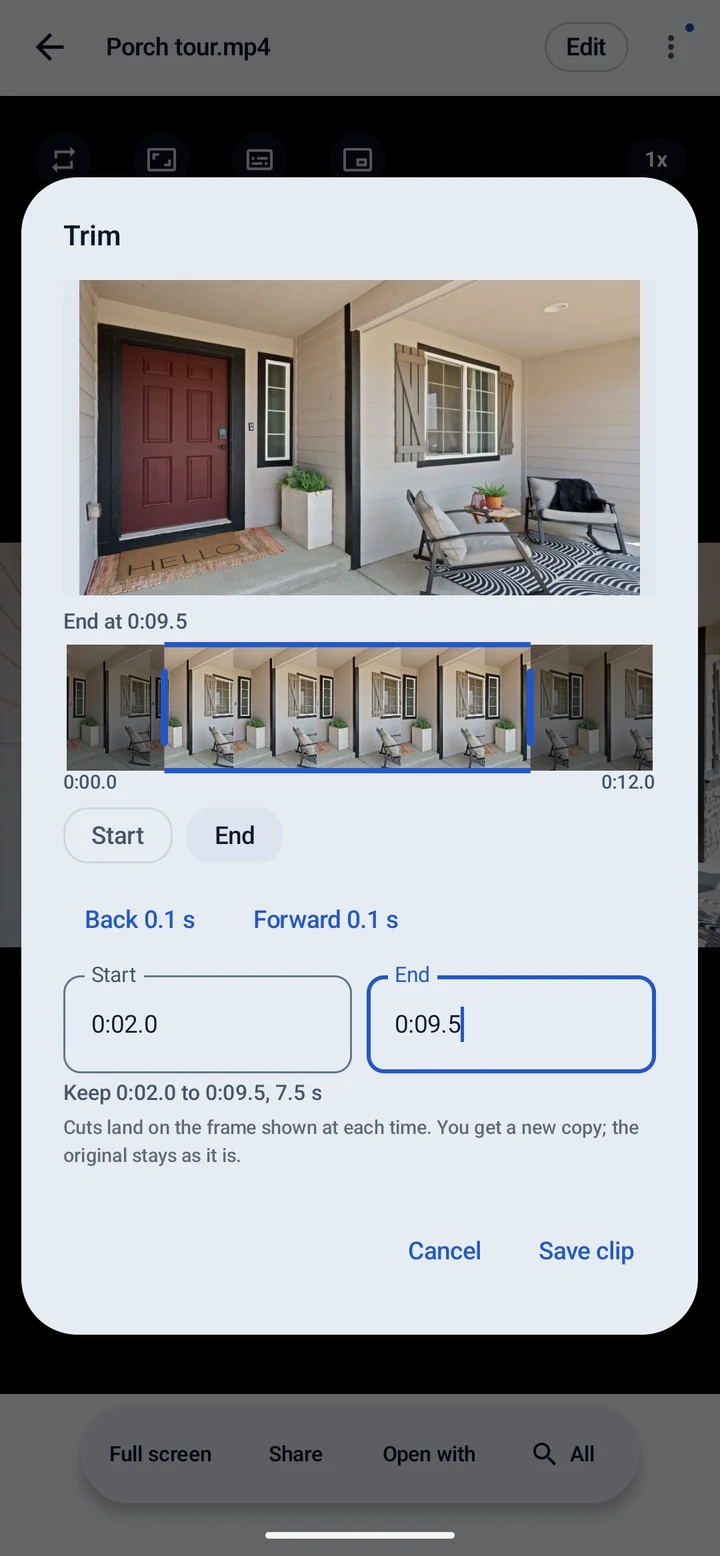 Trim video · 3.2.0 · WebP ↓
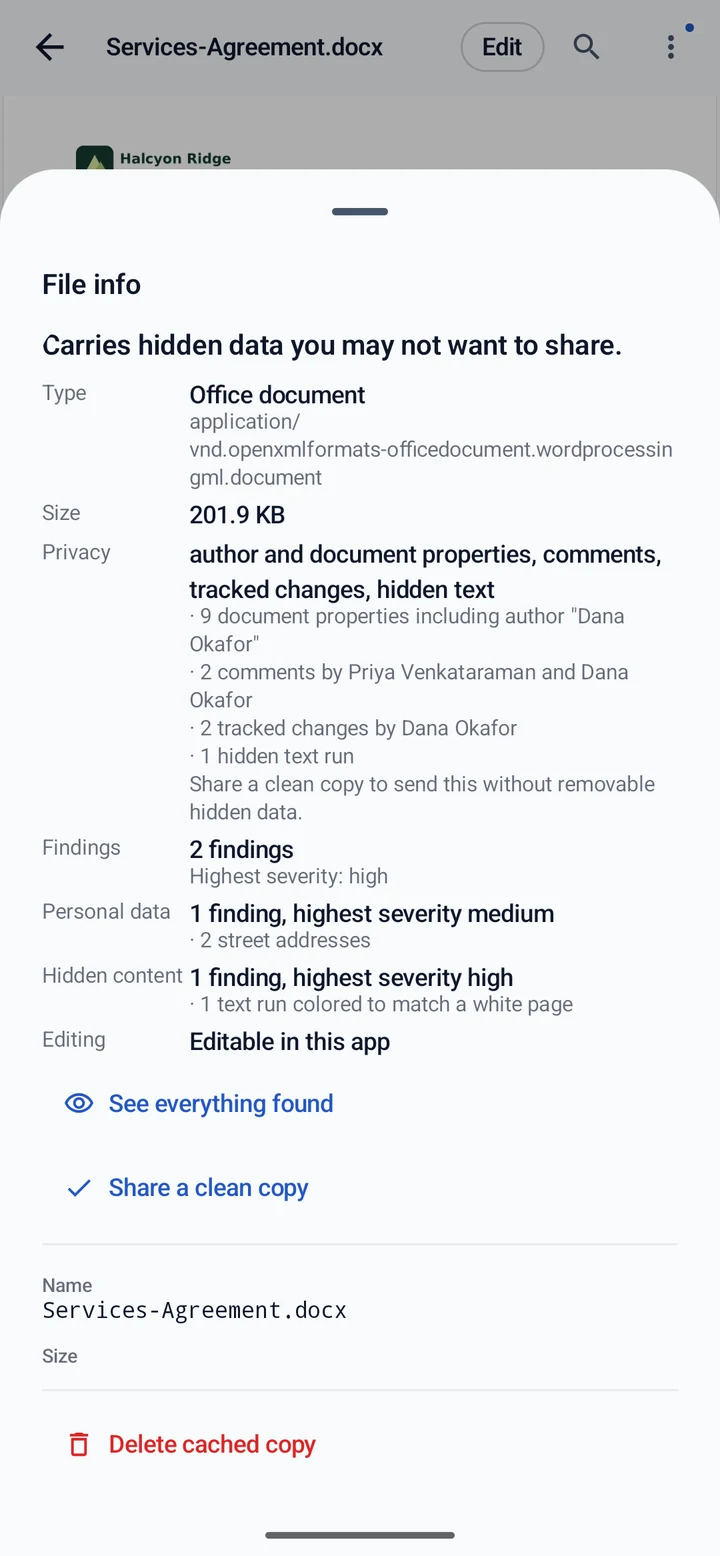 Hidden content · 3.0.1 · WebP ↓
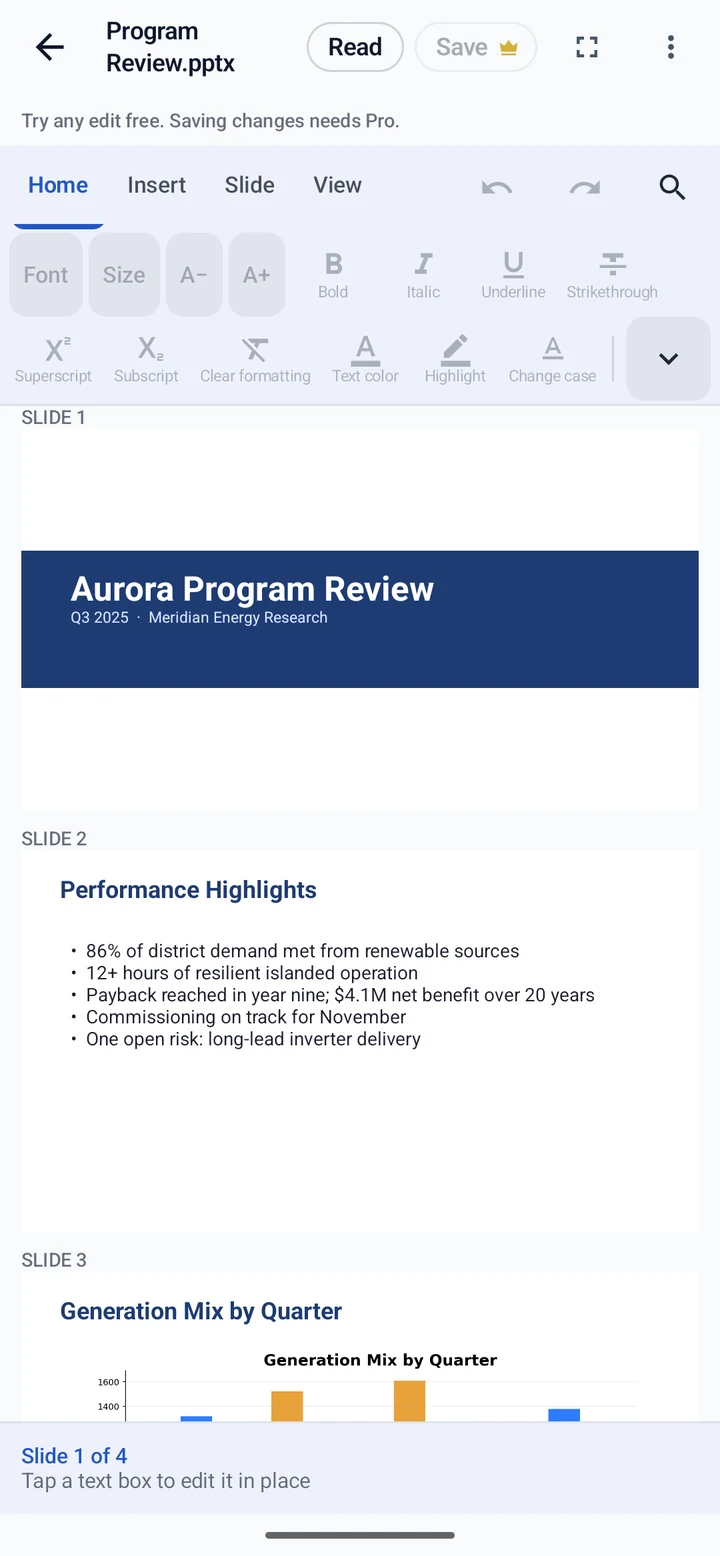 PowerPoint editor · 3.2.0 · WebP ↓
Windows
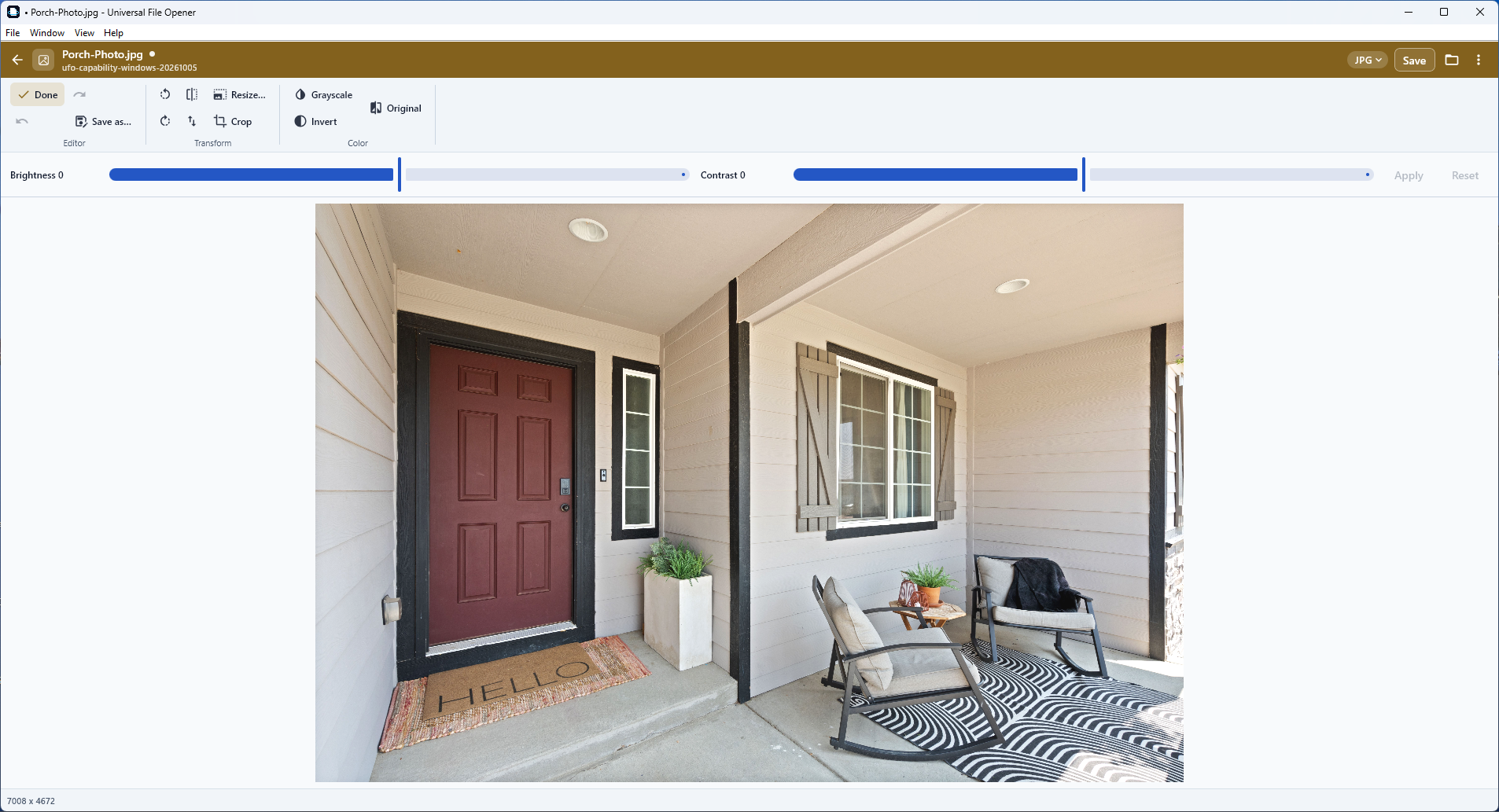
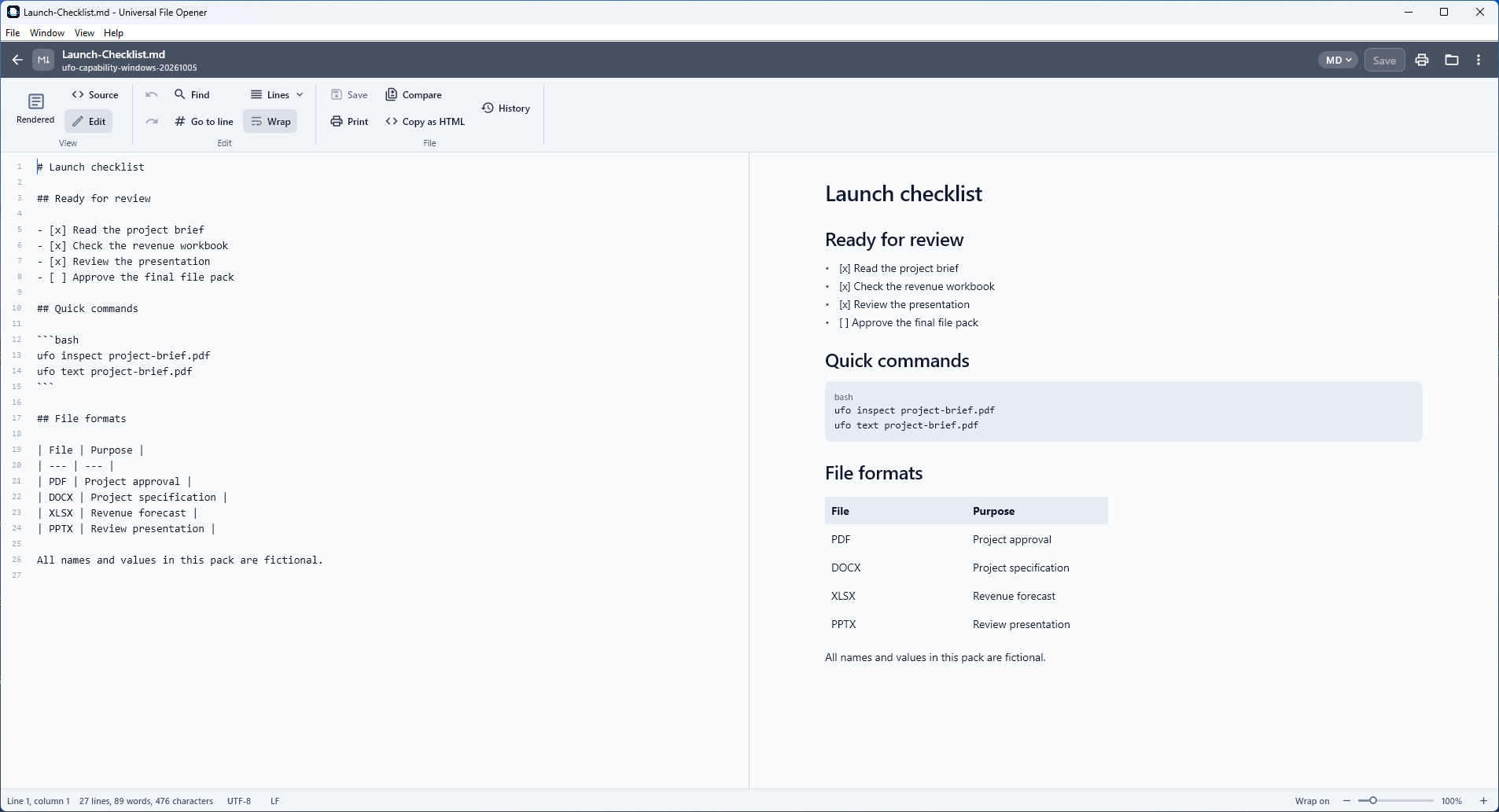
Real captures of fictional files, PNG.
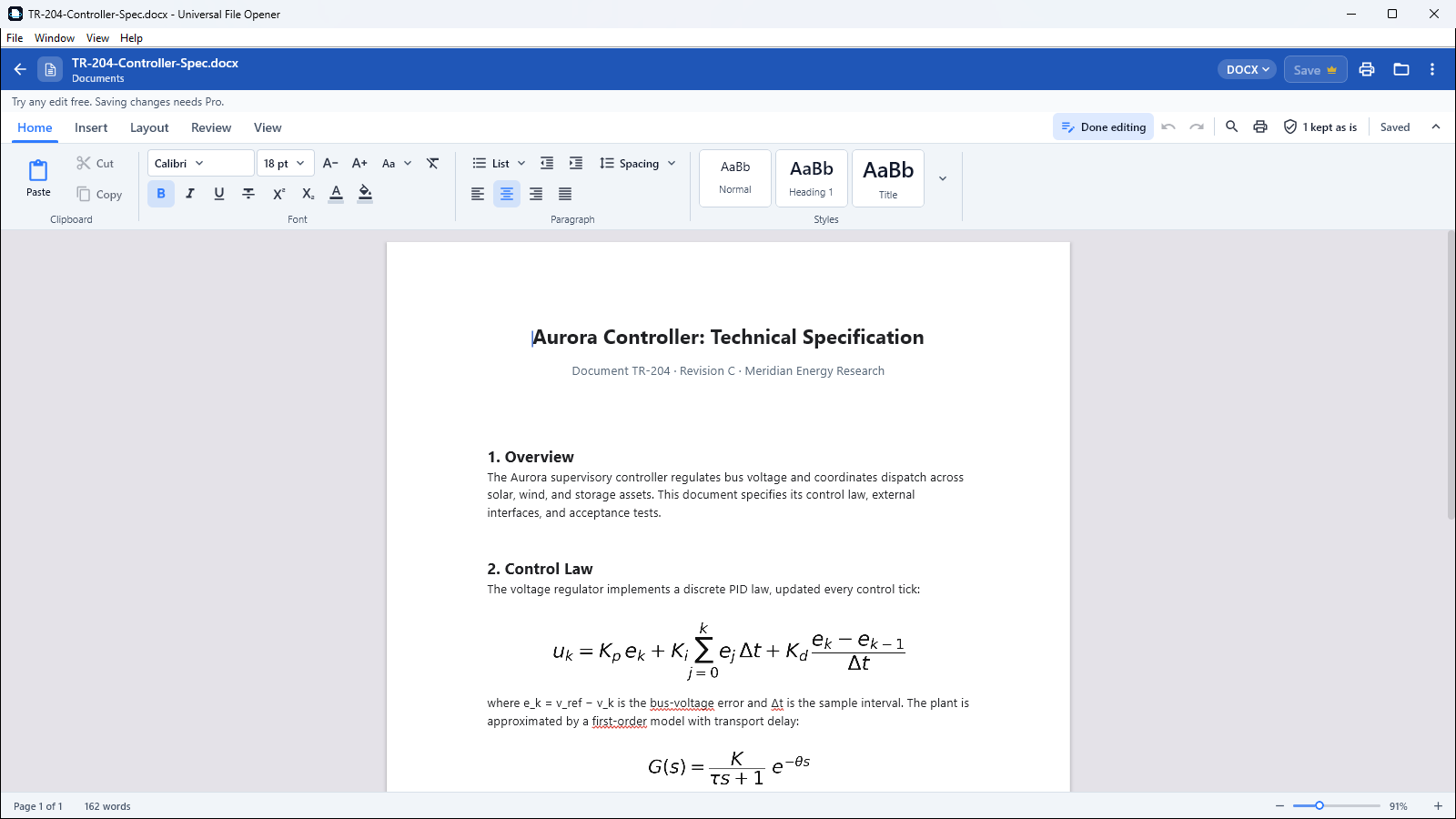
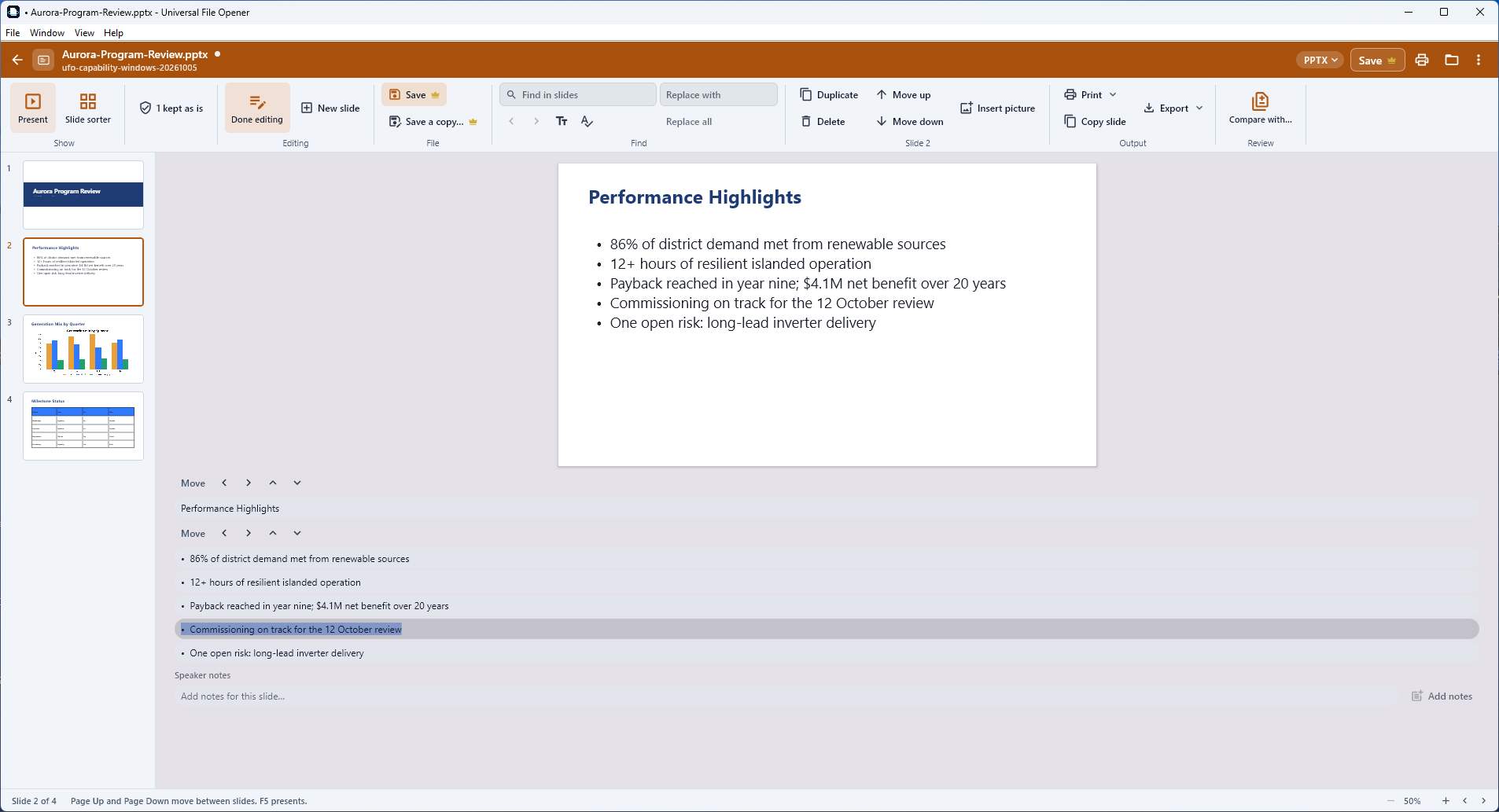

Review access and contact
For a Pro review code, a specific capture or technical questions, email support@krauq.com with your outlet or channel.